


3D Scenes
Build parallax wallpapers from layered artwork, with depth and camera motion.
3D Scenes / Extended Wallpapers / Android
Give your Android home screen depth, motion and a personality of its own. Build layered 3D Scenes or transform a single image with Extended Wallpapers, then make the result respond to your touch and movement.
// Two engines. One creative studio.
Build parallax wallpapers from layered artwork, with depth and camera motion.
Animate one finished image with motion, touch effects, screen FX and intros.
Make 3D elements respond to taps, movement, time or supported device events.
Design, preview, apply and share custom wallpapers directly from your phone.

Start with a stack of images for 3D parallax, or a single image for Extended Wallpapers. Create and edit on Android, see changes in real time, then apply or share your result.
Arrange layers, depth and camera motion.
Animate one image with motion and effects.
Connect scene elements to touch and events.
Apply on Android or export a .es file.
// Find your workflow
One picture, separate layers or a specific effect? Find the right ESEER workflow, then follow the detailed guide only when you need it.
ESEER is an Android live wallpaper app and creation studio, not a video wallpaper player. Build a layered 3D Scene for parallax depth or animate one finished image using Extended Wallpapers. Both support interactive motion.
Choose a wallpaper workflowOpen Create & Manage → Asset Studio → Smart Cutout. Select and refine subjects with optional AI or manual tools, review the layers, then choose Export → Create Scene. Adjust layer order, depth and camera motion in the 3D Scene Creator.
Follow the Smart Cutout guideChoose Extended Wallpaper. Import a finished JPG, PNG or WebP image, tune gyroscope or touch motion, add effects or a visual intro, then create your wallpaper. No transparent cutouts are required.
Learn the one-image workflowYes. Start a 3D Scene and use Add layer → Import picture. You can select several images in order, then set their depth, position and camera movement. Smart Cutout is optional if your layers are already prepared.
Build a layered 3D SceneYes. Use the 3D Scene Simple Editor for layer positioning, scale, depth presets and quick intros. Switch to Advanced when you need finer controls; both editors work on the same scene.
Explore the Simple EditorUse gyroscope motion in either wallpaper workflow. In a 3D Scene, the camera responds to device movement to create parallax between layers. You can tune horizontal and vertical strength, smoothing and framing.
Tune 3D camera motionYes. In Advanced 3D Scene, select a layer, open Actions and create a Reactive rule. For example, set WHEN to Layer Tap, DO to Organic Pulse and TARGET to the layer you want to animate.
Create a tap reactionReactive Layers can use battery percentage, charging state, time and supported device inputs to trigger animations, visibility changes or effects. Available sources depend on the device and Android version.
See Reactive Layer inputsIn Advanced 3D Scene, use Intro for entry animations and Layers → Visibility for On Unlock behavior. Preview the unlock sequence before saving; behavior can vary with Android lock-screen support.
Set up unlock visibilityExtended Wallpapers offers visual effect families such as Screen FX, Touch Effects and Intro Effects. Choose an effect, adjust its settings and inspect the result in the live preview.
Explore wallpaper effectsUse Asset Studio → Text Creator to design text with fonts, gradients, textures, outlines and shadows. Save a reusable asset or add it to your wallpaper, then adjust its placement in the editor.
Create a styled text assetYes. Advanced 3D Scene supports clipping masks: choose the layer to reveal, then show its content inside or outside the mask shape. This is separate from Smart Cutout, which prepares transparent source assets.
Understand clipping masksUse Pinned Layers in Advanced 3D Scene. A pinned layer stays in screen space while standard layers respond to camera parallax, making it useful for overlays and fixed visual elements.
Set up a pinned layerShare a finished wallpaper as an .es package. Extended Wallpapers has Export .es in the editor; for 3D Scenes, create the wallpaper first, then choose Share File. Recipients can import the package in Wallpaper Manager.
Export and import .es filesNot as the original editable project. An imported .es registers a playable wallpaper but does not rebuild its full 3D Scene or Extended Wallpaper editing workspace. Keep the source project for future edits.
Understand projects versus .es filesCutout processing happens on your device. AI-assisted Smart Select is optional and requires consent and a model download; manual selection works without it. The Google MediaPipe SDK may collect usage and performance metrics.
Read Smart Cutout privacy detailsCheck the current motion mode and your phone’s sensor support first. The troubleshooting guide also covers previews, device compatibility and common wallpaper issues.
Troubleshoot wallpaper behaviorNeed the full reference? Explore the documentationor contact support.
// Official documentation
Use the official ESEER reference for 3D Scene, Extended Wallpapers, Asset Creator, motion, effects, intro animation, .es files and troubleshooting.
Open Documentation// Journal
Stories, insights, and technical breakdowns from behind the scenes of ESEER Studio.
View all articles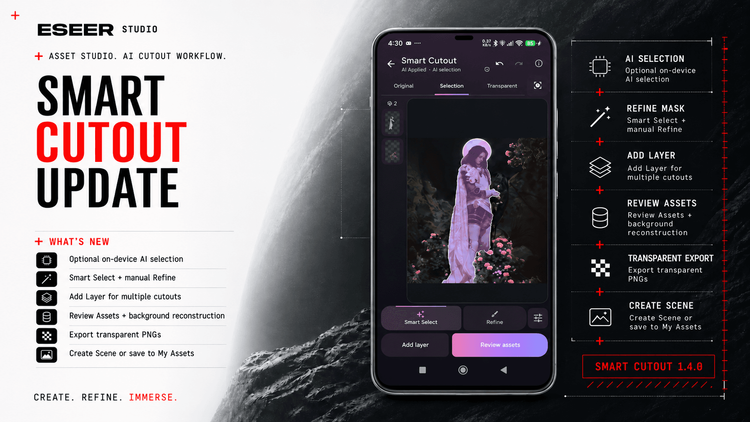
updates Nov 11, 2026
The hardest part of creating a 3D parallax wallpaper isn't always the camera or the motion. Often, it's preparing the images. Starting from a...
3 min read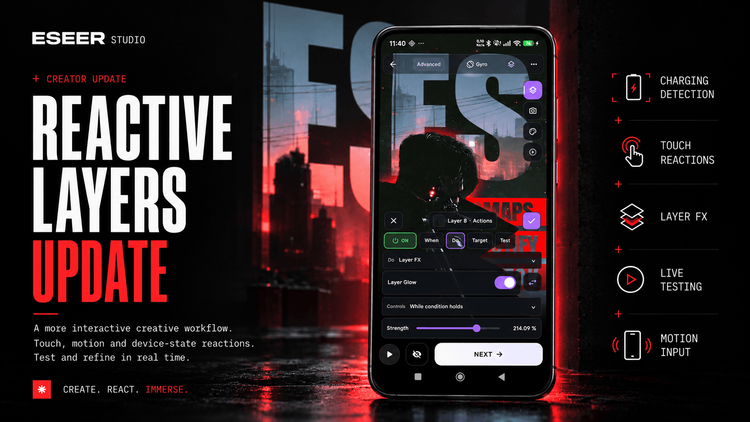
updates Oct 31, 2026
Layers can now respond to much more than a simple tap, opening up new ways to build interactive...
4 min read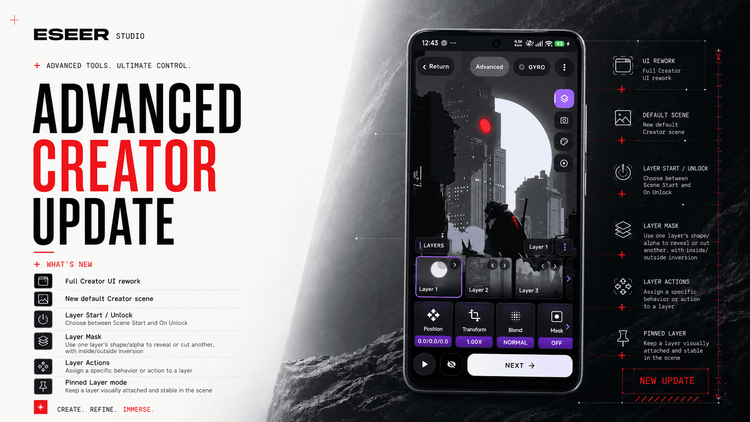
updates Oct 02, 2026
In the last article, I talked about how the different parts of ESEER were finally starting to connect...
8 min readupdates Sep 12, 2026
ESEER has evolved quite a bit as a 3D live wallpaper app since the launch of Extended Wallpapers...
6 min read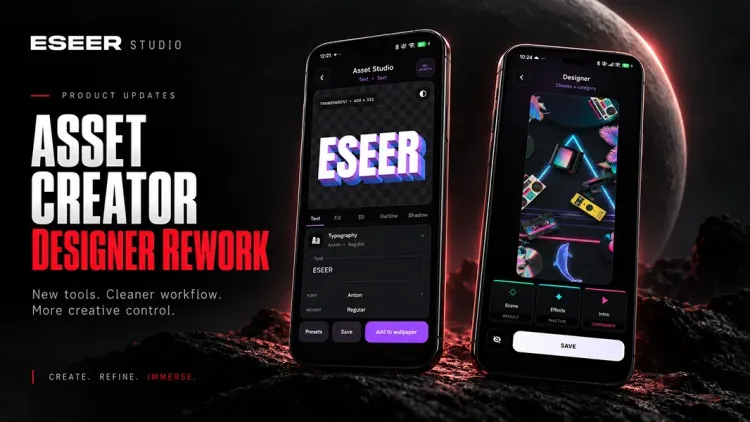
WHY ESEER
ESEER is an Android live wallpaper app and creative studio built for both layered 3D scenes and single-image animated wallpapers.
Compose parallax scenes with depth and masks, bring finished images to life with Extended Wallpapers, or use Reactive Layers to connect scene elements to touch, movement and supported device inputs.
Create and preview directly on your phone, design reusable text in Asset Creator, and export your wallpapers as .es packages to share with others.